Website Terms and Conditions
Set the ground rules for your website or app, protect your content and limit your liability with terms of use tailored to how your site actually works.
Includes 30 days of edits
- 5 to 20 minutes
- Print-ready PDF
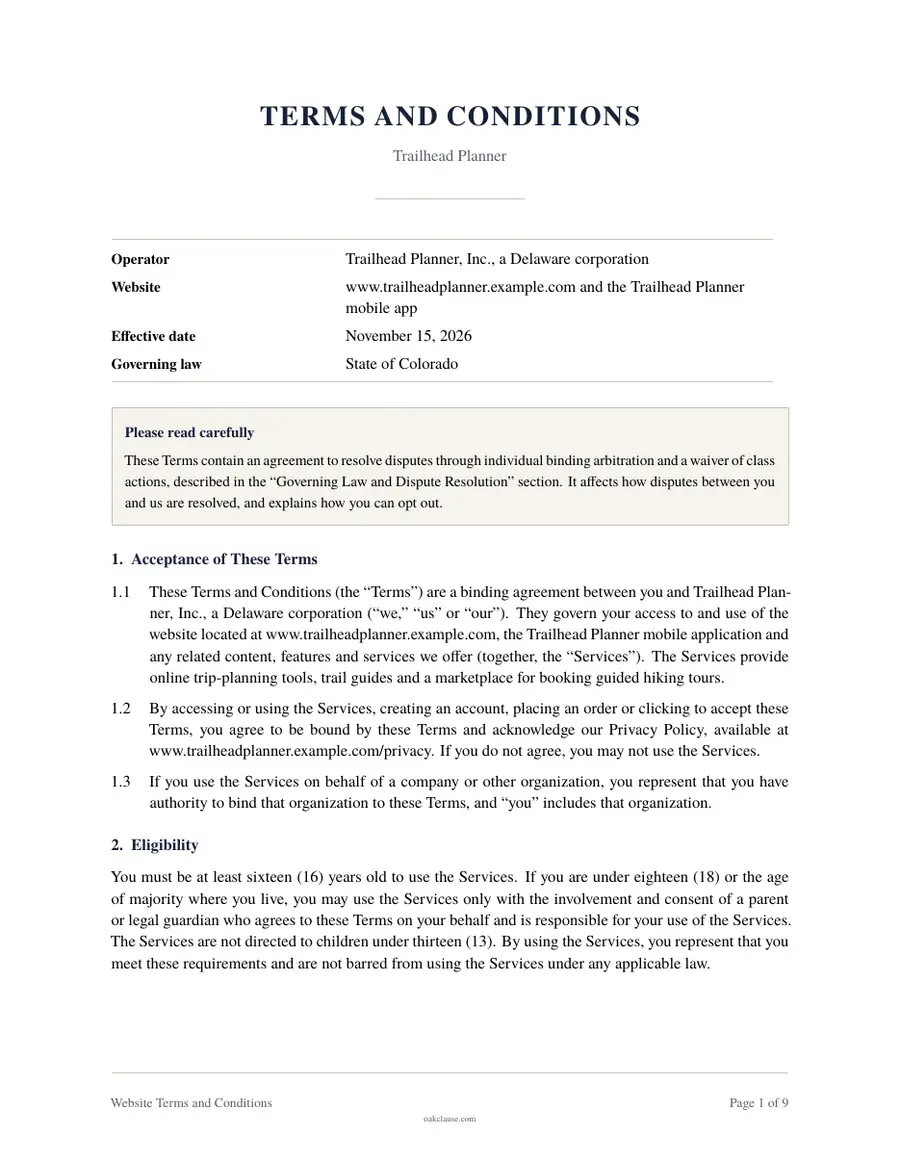
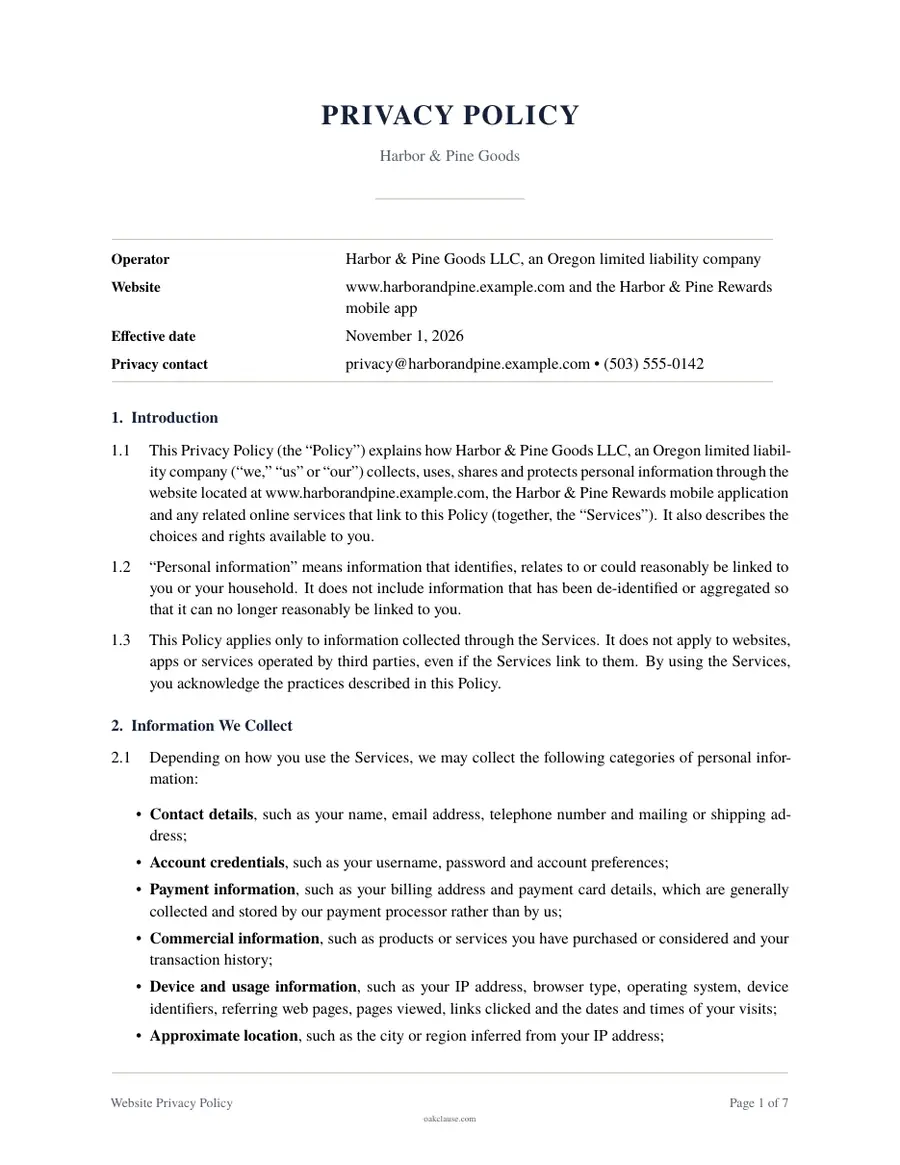
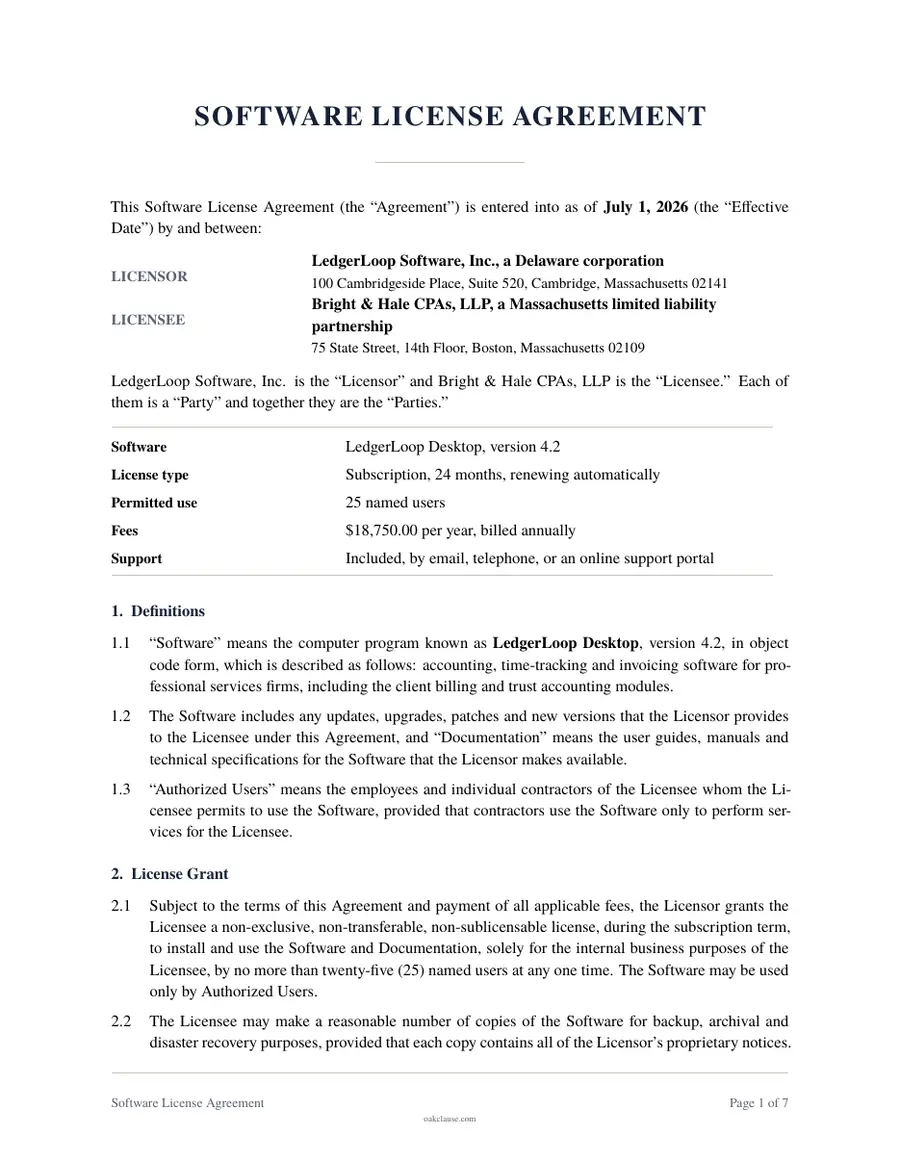
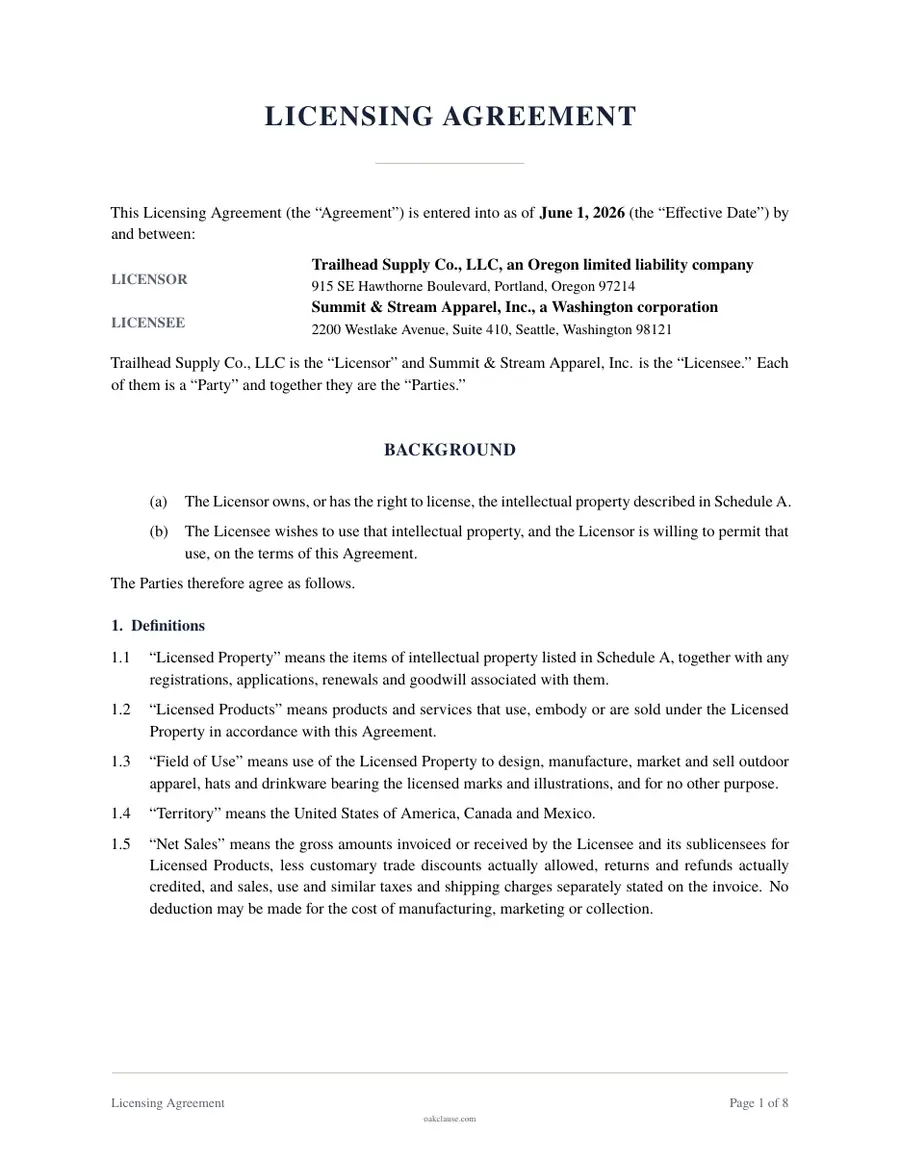
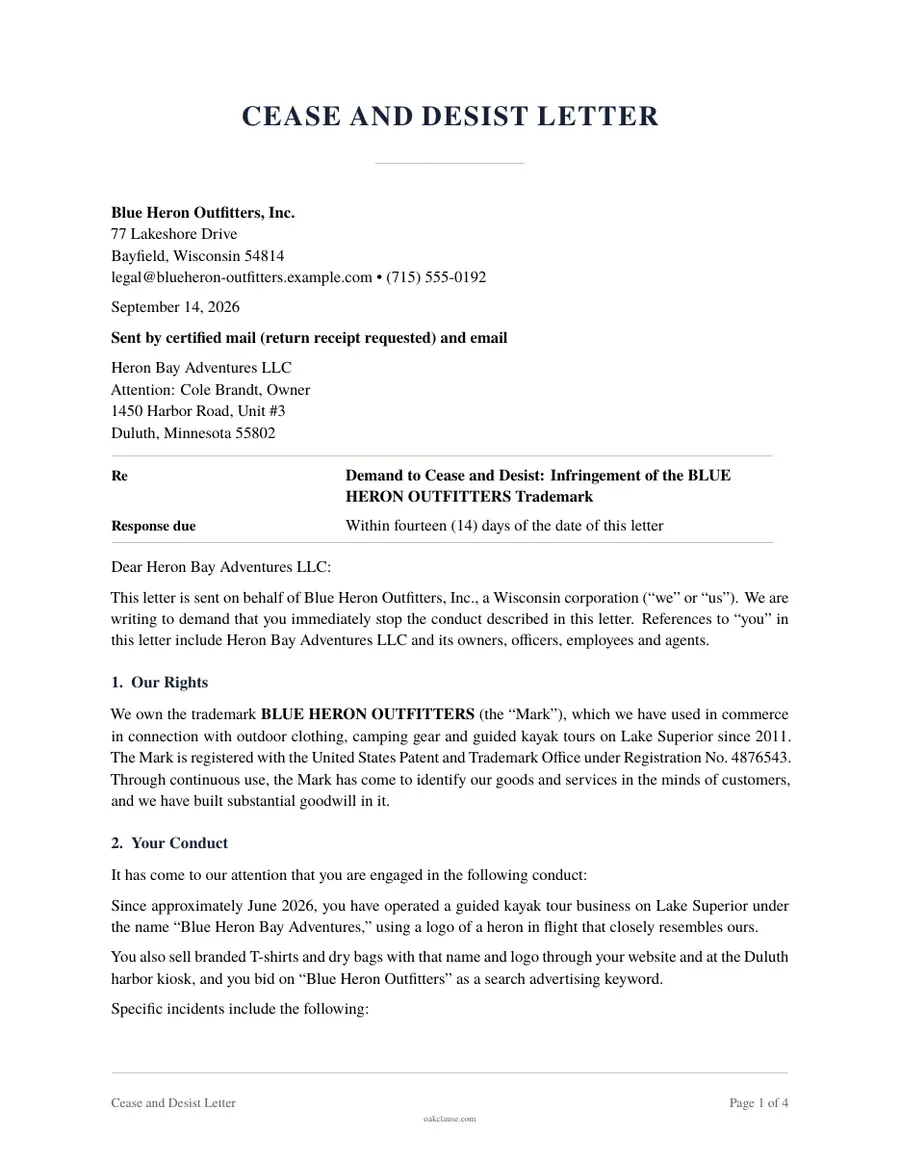
What is a Website Terms and Conditions?
Website terms and conditions, also called terms of use or terms of service, are the rules a person agrees to follow when they use a website or app. They form a contract between the site operator and each user, covering who may use the site, what conduct is prohibited, who owns the content on it, and what happens if something goes wrong.
Unlike a privacy policy, terms and conditions are generally not required by law. They are still one of the most useful documents an online business can have. They let you reserve the right to suspend accounts that break the rules, protect your logos, text and software, disclaim warranties, cap the damages a user can claim, and decide in advance which state's law applies and how disputes will be resolved.
Terms are only enforceable if users actually agree to them. Courts look closely at how terms are presented. A checkbox or a clear statement next to a sign-up or purchase button that the user is agreeing to linked terms is far stronger than a link buried in the page footer. This document lets you add sections for online sales, subscriptions, user accounts and user-generated content as your site requires.
When to use it
- You are launching a website, blog, online store, SaaS product or mobile app.
- Users can create accounts, post content, leave reviews or message one another on your site.
- You sell products, services or subscriptions online and need clear payment, refund and renewal terms.
- You want to protect your content and brand and set rules against scraping, spam and abuse.
- You want to limit your liability and choose how and where disputes with users are resolved.
What is included
- Acceptance of the terms and eligibility requirements
- User accounts, security and termination
- Orders, pricing, payment and refund terms
- Subscription billing, automatic renewal and cancellation
- User content license and copyright (DMCA) procedure
- Acceptable use and prohibited conduct
- Intellectual property ownership and feedback
- Warranty disclaimer, limitation of liability and indemnification
- Governing law, arbitration or court, and class action waiver
- Changes to the terms and contact information
How to make your Terms and Conditions
Answer the questions
Tell us about the parties and the terms you want. Most documents take about 5 to 20 minutes.
Review the preview
Check the draft as you go and change any answer. The document updates instantly.
Download, sign and keep a copy
Download a print-ready PDF, sign it with the other parties, and give everyone a copy.
Frequently asked questions
Are website terms and conditions legally required?
Generally no. Unlike a privacy policy, no federal or state law requires most websites to post terms and conditions. However, they are the main way to set enforceable rules for your site, limit your liability and decide how disputes are handled, so most businesses publish them.
What is the difference between terms of use, terms of service and terms and conditions?
These names are used interchangeably. All describe the contract between a website or app operator and its users. You can rename the page to whichever title suits your site; the legal effect depends on the content and on how users agree to it.
How do I make my terms enforceable?
Courts are most likely to enforce terms when users take a clear action to agree, such as checking a box or clicking a button next to a statement that they agree to linked terms. Terms that are only linked in a footer, without any affirmative agreement, are often called browsewrap and are harder to enforce, especially against consumers.
Should I include an arbitration clause?
Arbitration clauses can keep disputes out of court and, when paired with a class action waiver, prevent most class actions. They also have drawbacks, such as arbitration fees that the business often pays and the risk of many individual claims being filed at once. Rules about consumer arbitration vary, so consider talking to an attorney before relying on one.
What is a DMCA notice and do I need a designated agent?
The Digital Millennium Copyright Act gives websites that host user content a safe harbor from copyright liability if they follow a notice-and-takedown process. To qualify, a site must designate an agent to receive notices, register that agent with the U.S. Copyright Office and list the agent's contact details on the site. This document includes the takedown procedure when you allow user content.
Do I need special terms for subscriptions that renew automatically?
Yes. Federal law and many state automatic-renewal laws require clear disclosure of renewal terms, affirmative consent before charging, and an easy way to cancel. This document includes renewal and cancellation terms, but you also need to present those terms clearly at checkout and follow any required reminder notices.
Can I change my terms and conditions later?
Yes, and this document reserves the right to do so. To make changes stick, post the new version with a new effective date and give users reasonable notice of material changes, such as by email or a notice when they next sign in. Some courts will not enforce changes that users had no reasonable way to learn about.
Where should I display my terms and conditions?
Link to them in your site footer and, more importantly, at the points where users create an account, place an order or start a subscription, together with a clear statement that continuing means they agree. Keep earlier versions on file so you can show which terms a user accepted.