Solid legal documents, in plain English.
Answer plain-English questions and get a state-specific document you can download, print and sign today.
Popular documents
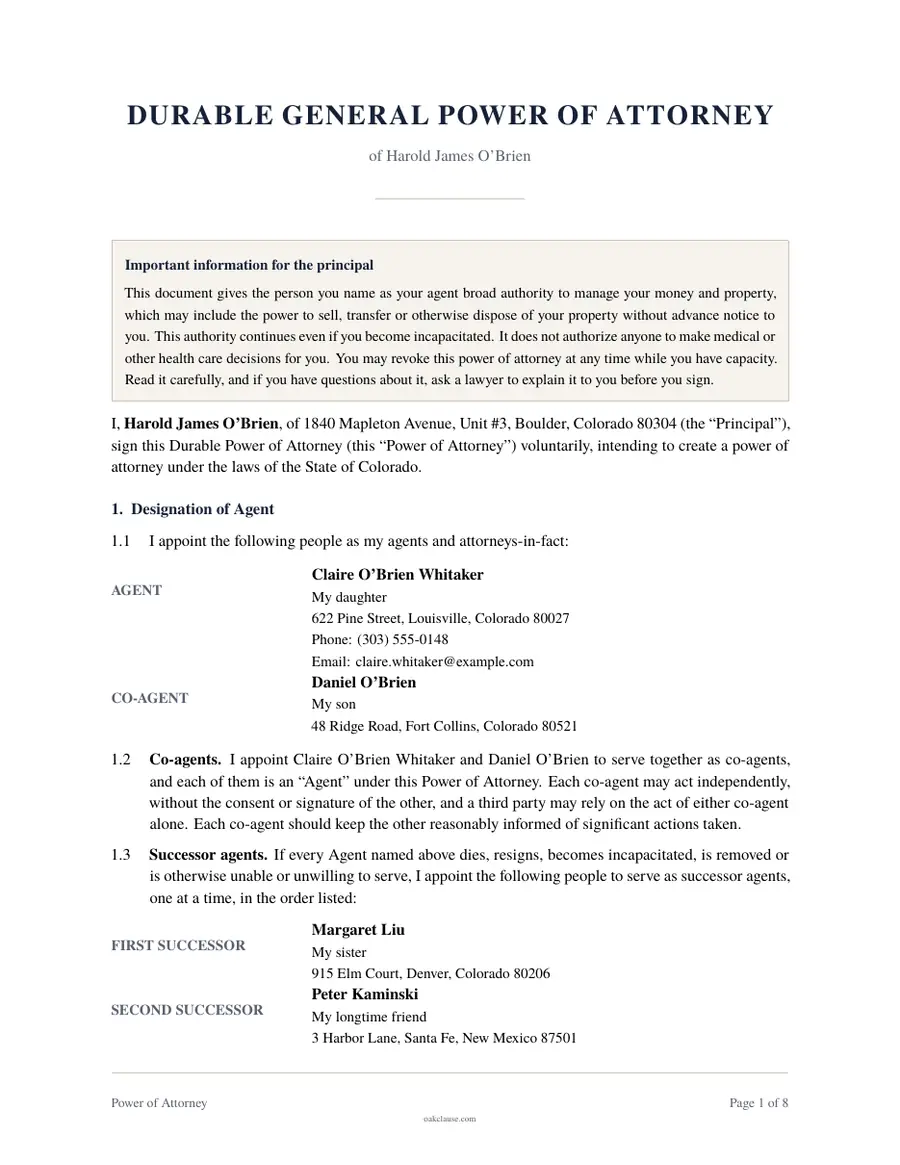
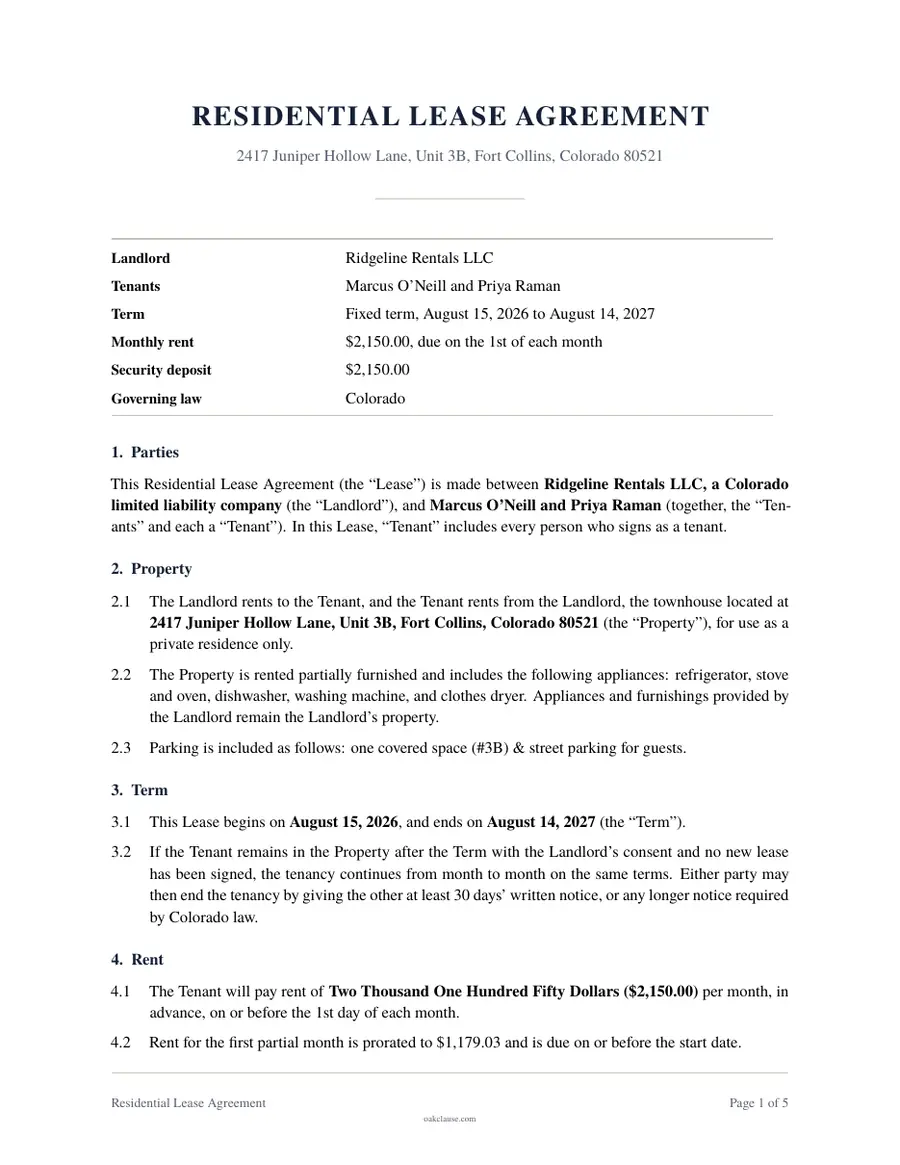
Powers of Attorney
Power of Attorney
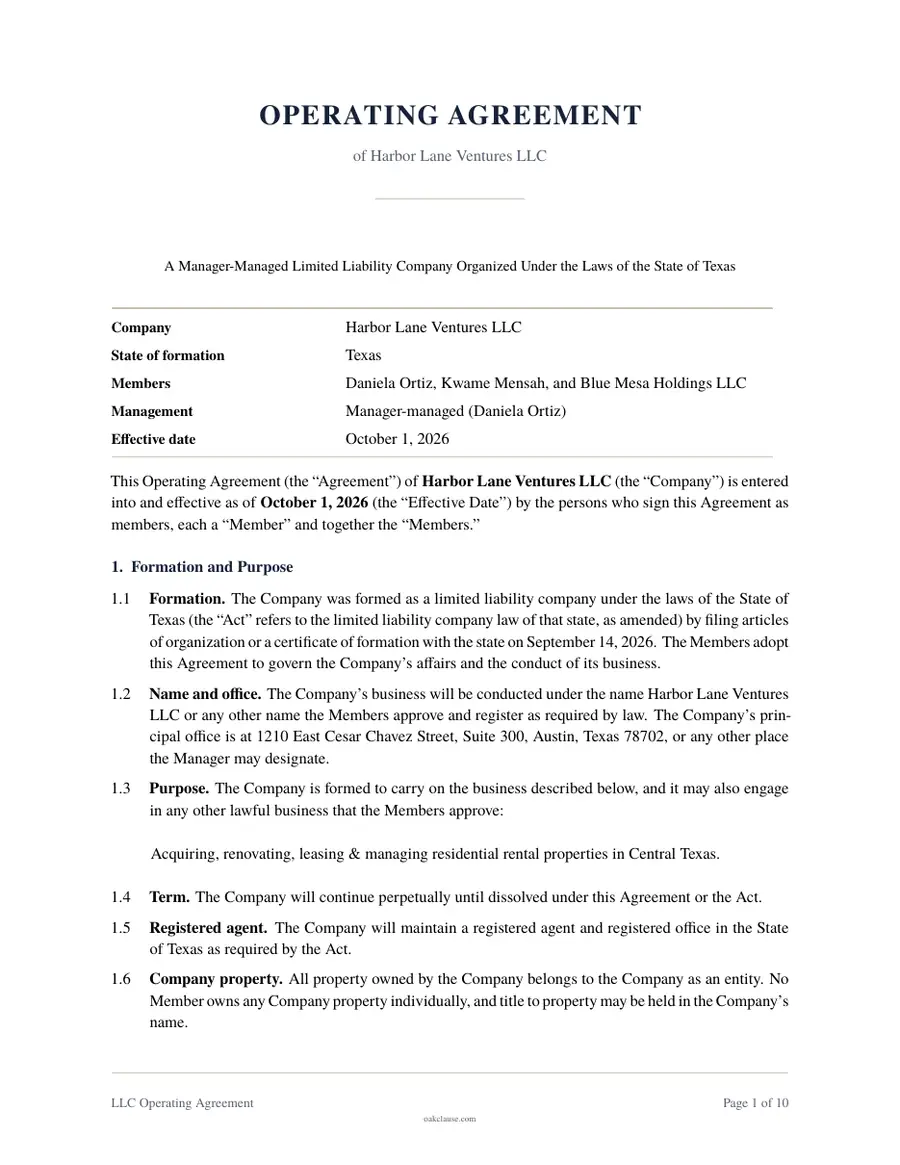
LLC Operating Agreement
LLCs & Partnerships
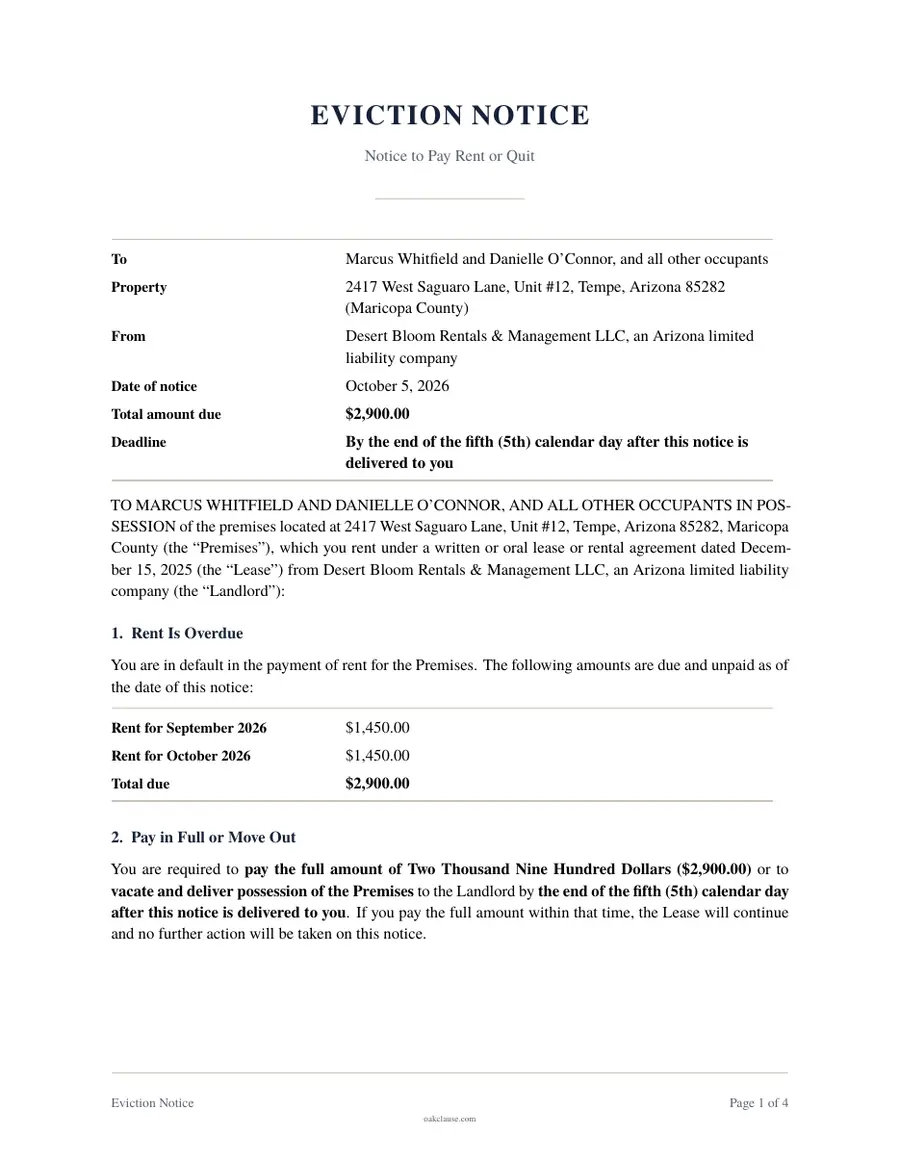
Eviction Notice
Notices & Evictions
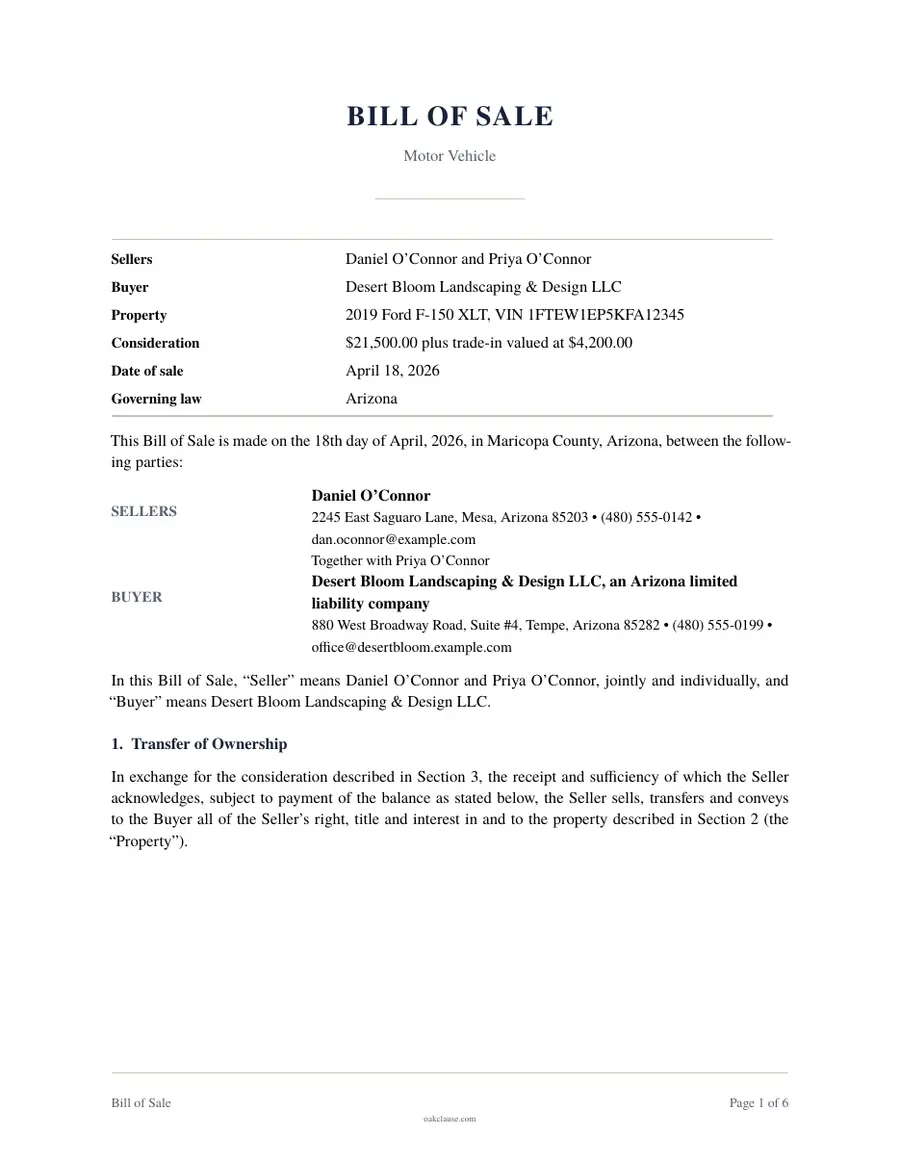
Bill of Sale
Sales & Purchases
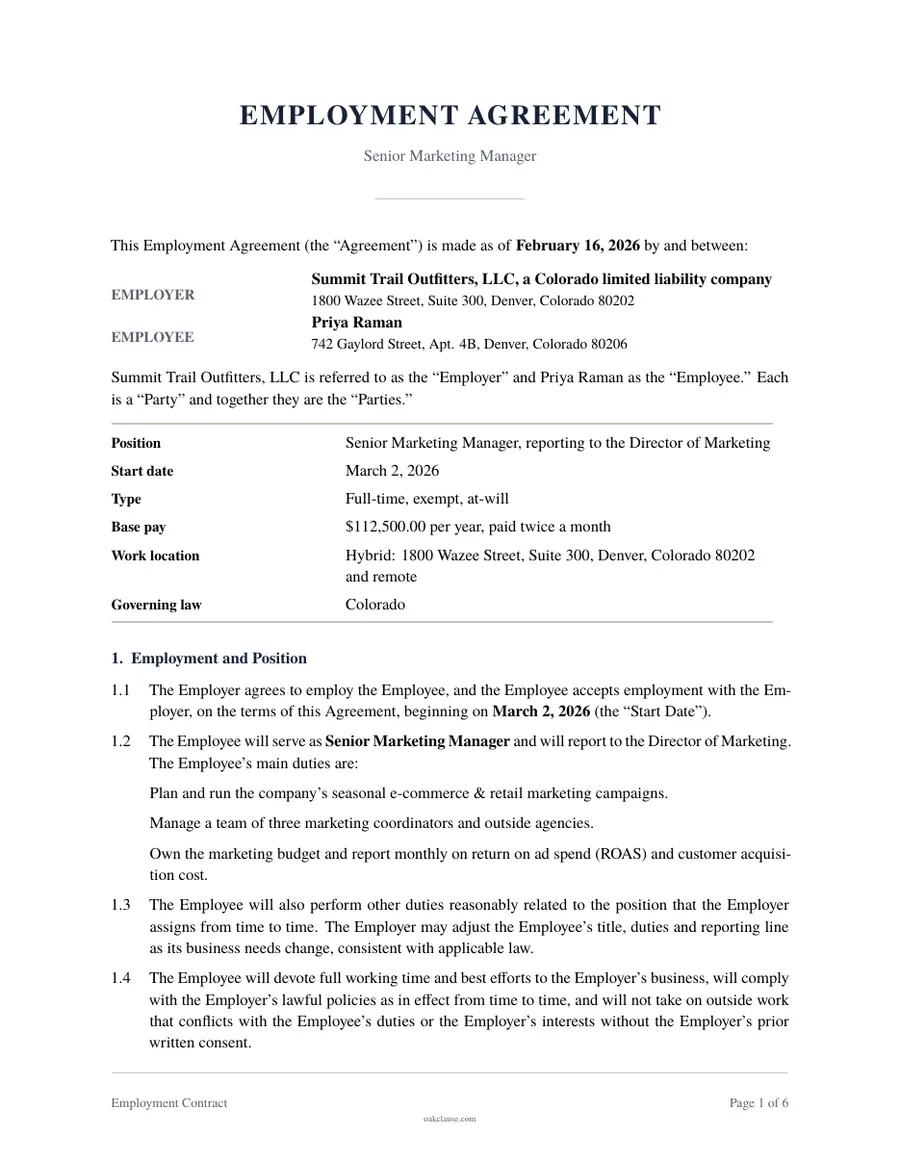
Employment Contract
Employment
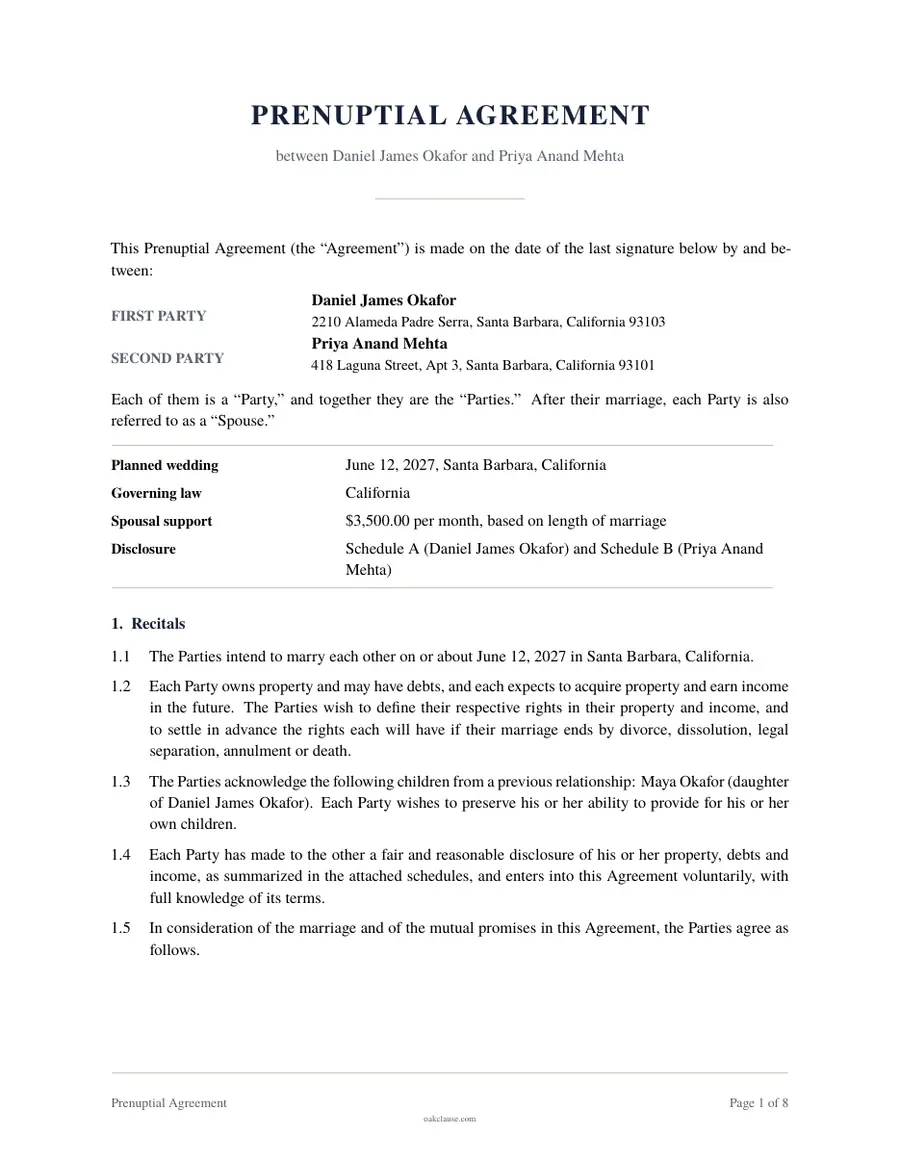
Prenuptial Agreement
Marriage & Relationships
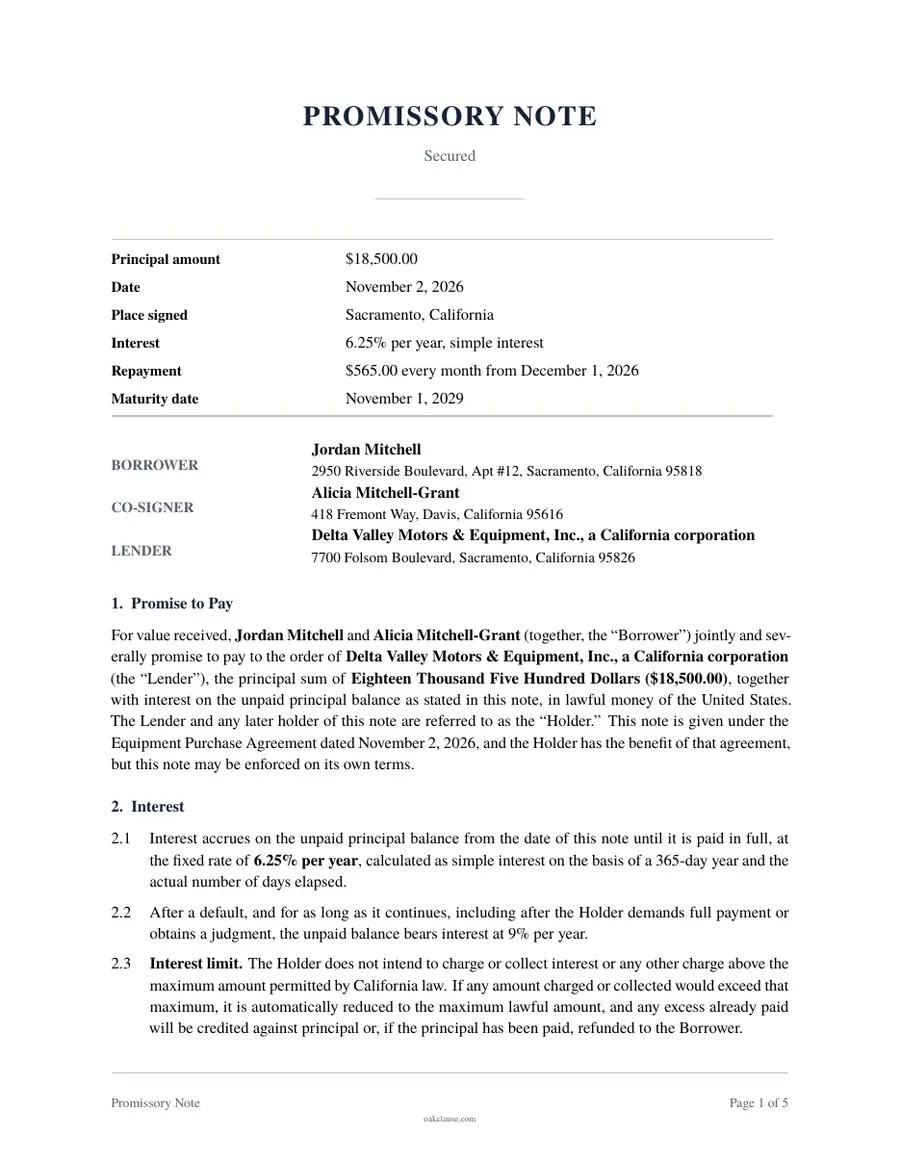
Promissory Note
Loans & Debt
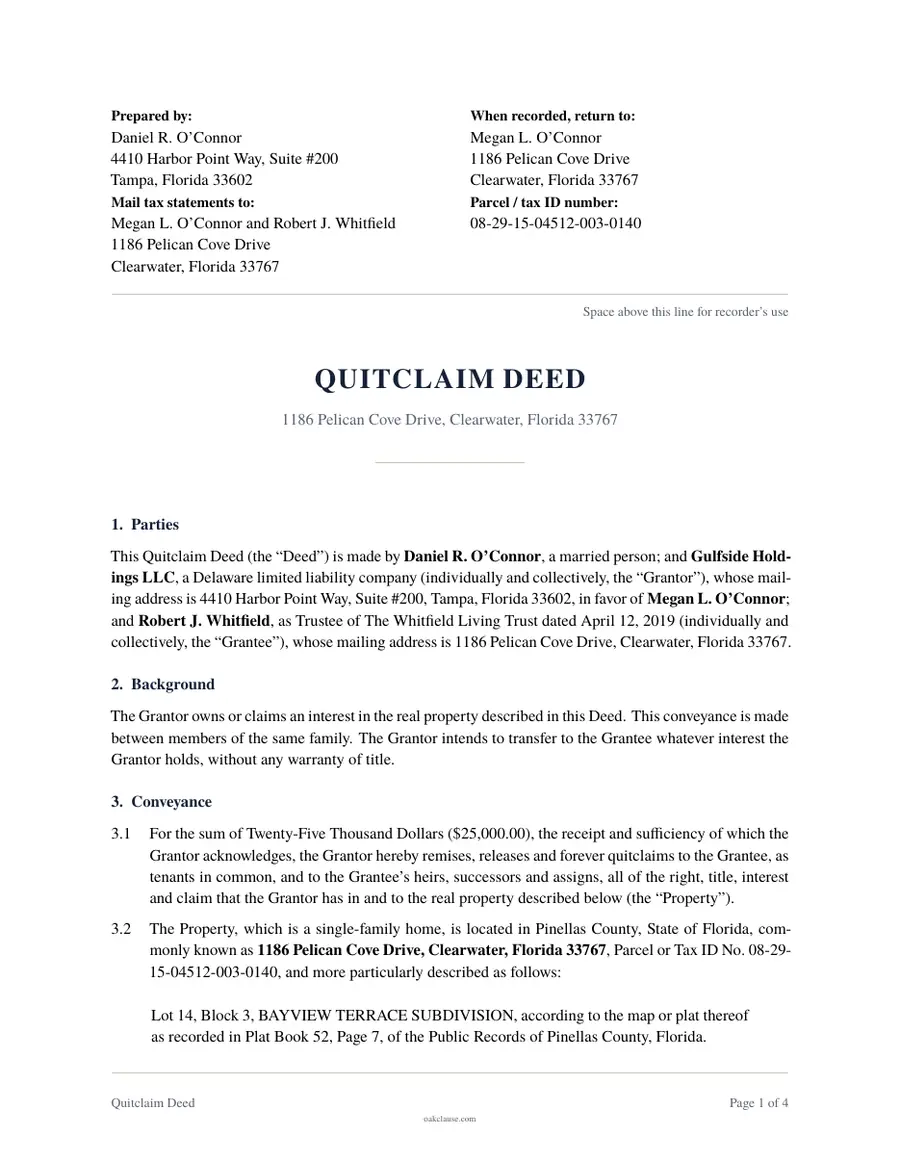
Quitclaim Deed
Deeds
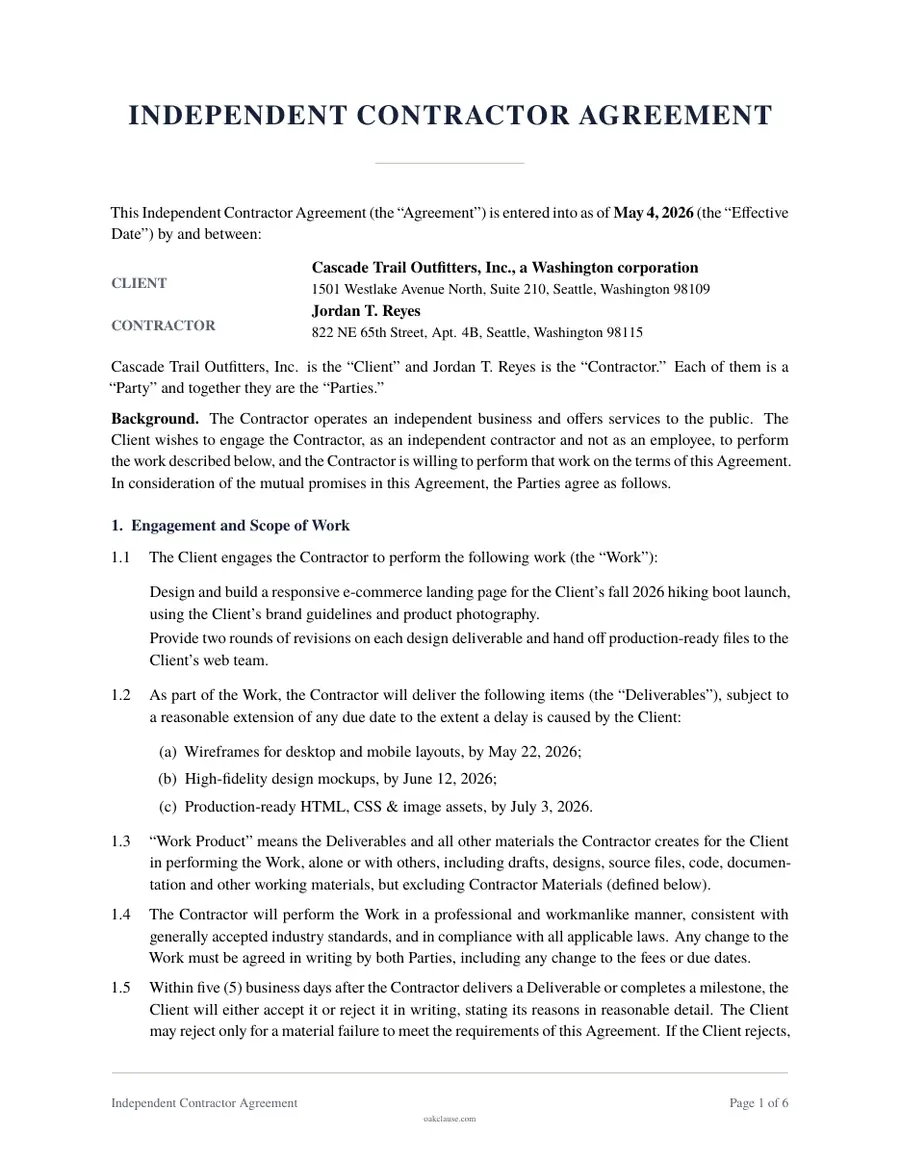
Independent Contractor Agreement
Contracts & Services
Find the right document
Real Estate
Leases, notices, deeds and purchase agreements for property owners and renters.
Estate Planning
Wills, trusts and powers of attorney to protect you and your family.
Business
Contracts, HR paperwork and corporate records for running a company.
Family
Agreements and consents for couples, parents and households.
Financial
Loans, sales and payment paperwork between people and businesses.
How it works
From blank page to signed document
Answer guided questions
Plain-English questions walk you through every term. Skip what does not apply, and get help text where it matters.
Preview as you go
See your document take shape at any point. Go back, change an answer and the document updates.
Download, print and sign
Download a print-ready PDF, then sign it with the other parties. Some documents also need witnesses or a notary.
Careful drafting, without the hourly rate.
Drafted with care
Templates reflect common US practice and are updated as we learn of changes. For complex or high-stakes situations, we recommend a lawyer.
Tailored to your state
Where the rules differ by state, the questionnaire asks where you are and adjusts the wording and signing steps.
Prices up front
See the price before you start. A one-time purchase includes 30 days to edit your answers and download again.
Saved to your account
Sign in with a one-time email code or Google and your final documents stay in your account, ready to download again on any device.
Start from where you are
Business
Real Estate
Financial
Good to know
Are online legal documents legally binding?
A document created online is as binding as one drafted any other way, as long as it meets the legal requirements for that type of document and is signed correctly. Some documents, like wills and deeds, have extra signing formalities such as witnesses or a notary, and our signing instructions explain them.
Do I need a lawyer?
Many people use templates for everyday agreements without a lawyer. For high-stakes or unusual situations, such as complex estates, contested divorces or large business deals, an attorney's advice is worth it. We are not a law firm and do not give legal advice.
How much does a document cost?
Single documents are $19 or $39, one-time, and a last will or residential lease is free with your email. If you need several documents, Unlimited is $29 a month or $129 a year and renews until you cancel. Every price is shown before you start.
How long does it take to create a document?
Most documents take between 5 and 20 minutes. Your answers save automatically in your browser, so you can stop and come back later.
Can I change my document after I download it?
Yes. For 30 days after you buy a document, you can go back to the questionnaire, update your answers and download a new version. If the document has already been signed, changes generally need to be made with an amendment that all parties sign.
Which states do your documents cover?
You can create our documents for any of the 50 states and the District of Columbia. State-specific documents ask for your state, use its law as the governing law and add wording that defers to its requirements. Local rules can still differ, so check anything critical with official sources or a local attorney.
Ready when you are.
Pick a document and answer the first question. It is free to start and preview, and your progress saves automatically.
Start a document