Legal documents in three simple steps
No legal jargon, no blank pages. Answer clear questions and get a document that reads like it was drafted for you.
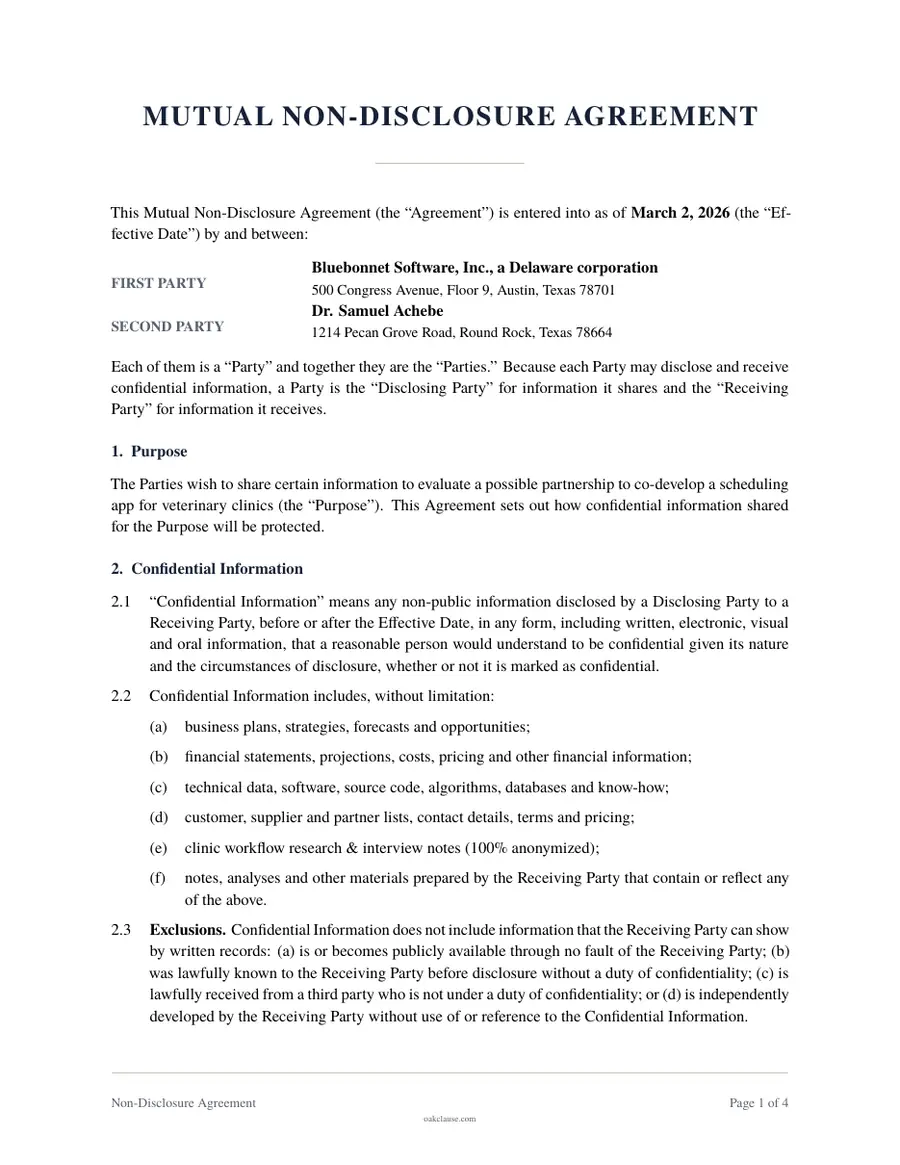
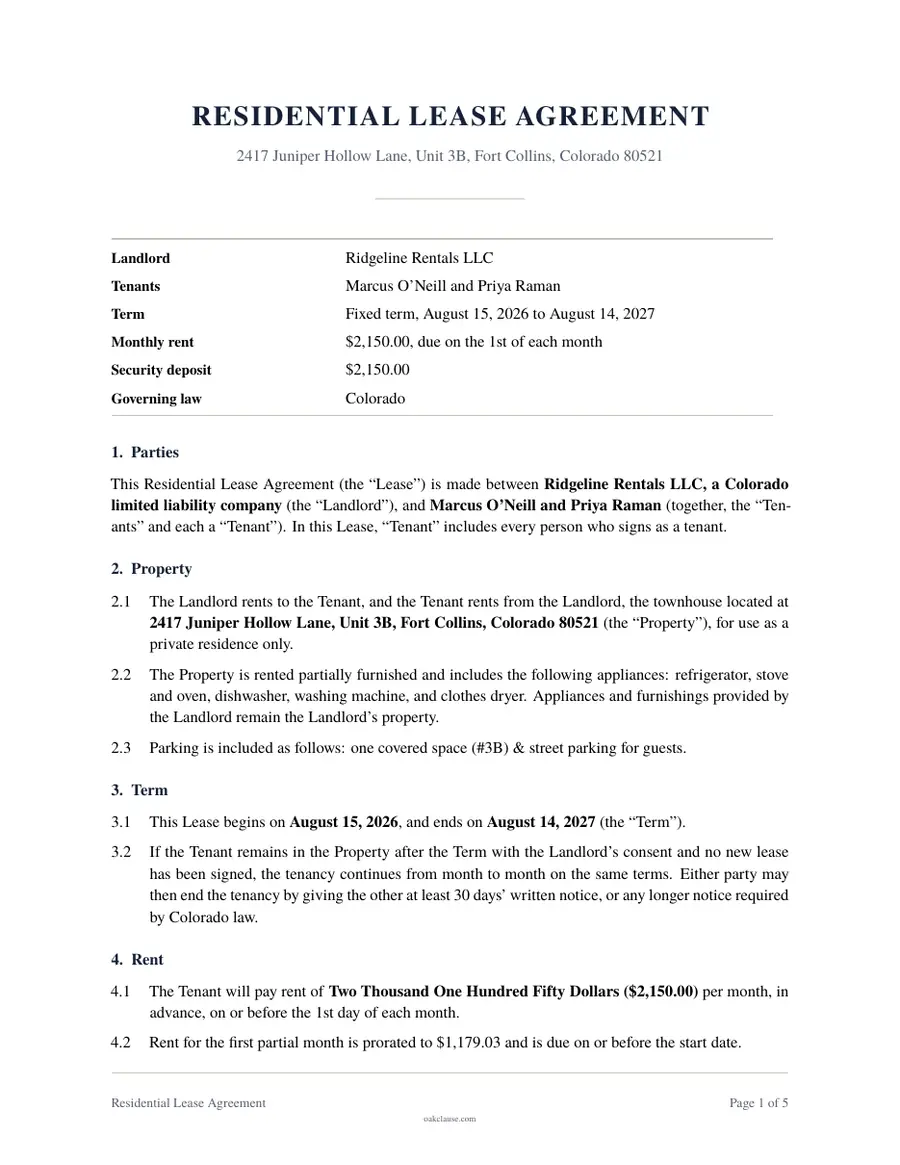
Watch it step by step
Press play to start. To slow it down, choose 1x (the speed button) and pick 0.75x. Once it is playing, the space bar pauses it. For bigger subtitles, use full screen.
Answer, preview, sign
Answer guided questions
Plain-English questions walk you through every term. Skip what does not apply, and get help text where it matters.
Preview as you go
See your document take shape at any point. Go back, change an answer and the document updates.
Download, print and sign
Download a print-ready PDF, then sign it with the other parties. Some documents also need witnesses or a notary.
A closer look
Before you start
Find your document
Search by name or browse by category and situation. Each document page explains what the document does and when to use it, so you can be sure you have the right one.
Tell us your state
For documents where the law differs by state, we ask where you are first. Wording, defaults and signing pages follow from that choice.
While you work
Answer one section at a time
Questions appear in a logical order and only when they apply. Help text explains unfamiliar terms. Your answers save automatically in your browser.
Preview whenever you like
Generate a watermarked draft at any point to see how your answers read in the finished document.
When you finish
Download a print-ready PDF
When everything looks right, download a clean PDF with numbered pages and signature blocks. You see the price on the first step, and a purchase includes 30 days of edits.
Sign it properly
Print and sign with the other parties. Some documents also need witnesses or a notary; the document tells you when.
Questions about the process
Do I need to create an account?
Not to start. Your answers save in your browser while you work and you can preview for free. To download the final PDF you sign in with a one-time email code or Google, which also keeps your documents in your account.
Can I save my progress and finish later?
Yes. Your answers save automatically on this device. Come back to the same document or open My documents to continue.
What if my situation is unusual?
Most documents include a field for additional terms. If your situation is complex or high-stakes, consider having an attorney review your document before you sign.
Can I edit the document after downloading it?
Yes. After you buy a document you can change your answers and download a new version of it for 30 days. Editing the downloaded PDF directly is not recommended, because it is easy to create inconsistencies.
How much does it cost?
Single documents are $19 or $39, one-time, and our last will and residential lease are free with your email. Packs bundle related documents, and Unlimited covers everything for $29 a month or $129 a year until you cancel. The price is shown on each document's page and on the first step of the questionnaire.
Ready to try it?
It is free to start and your progress saves as you go.